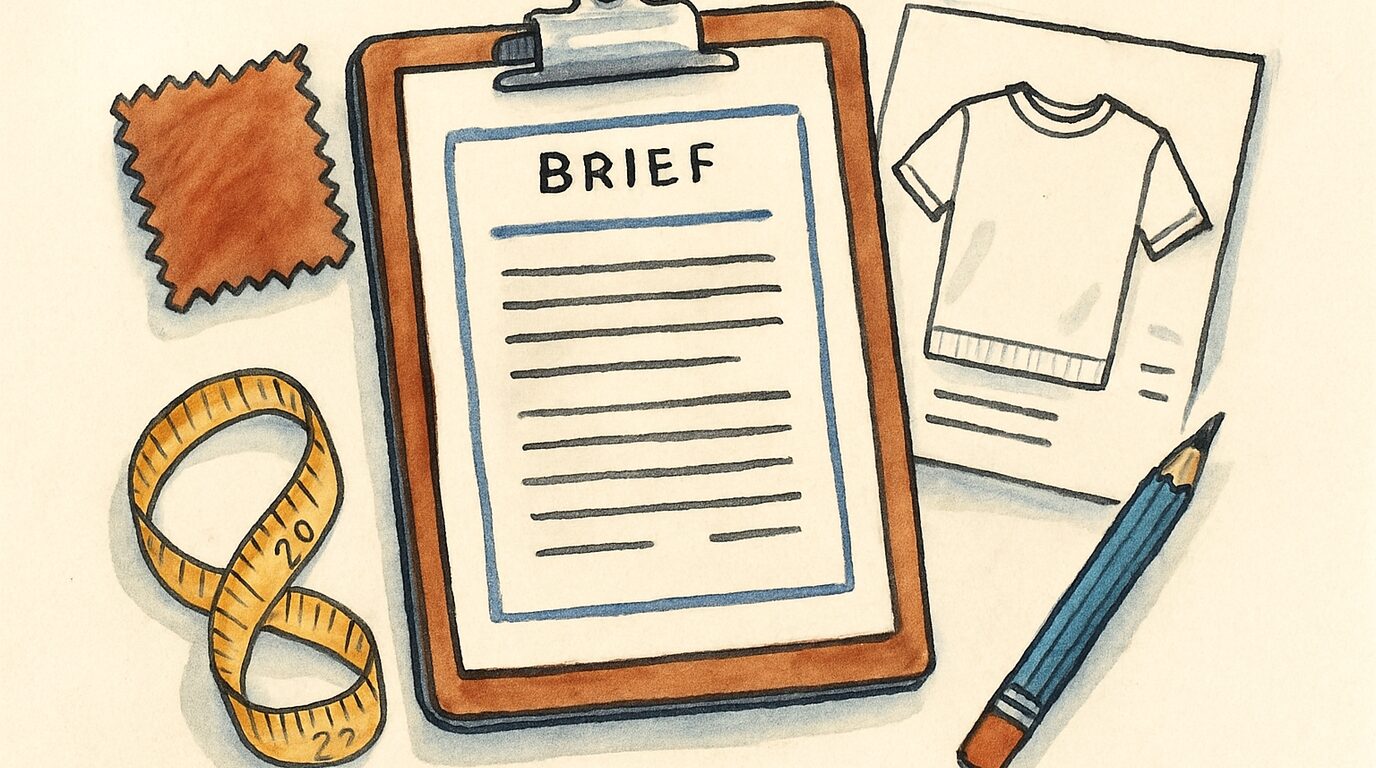













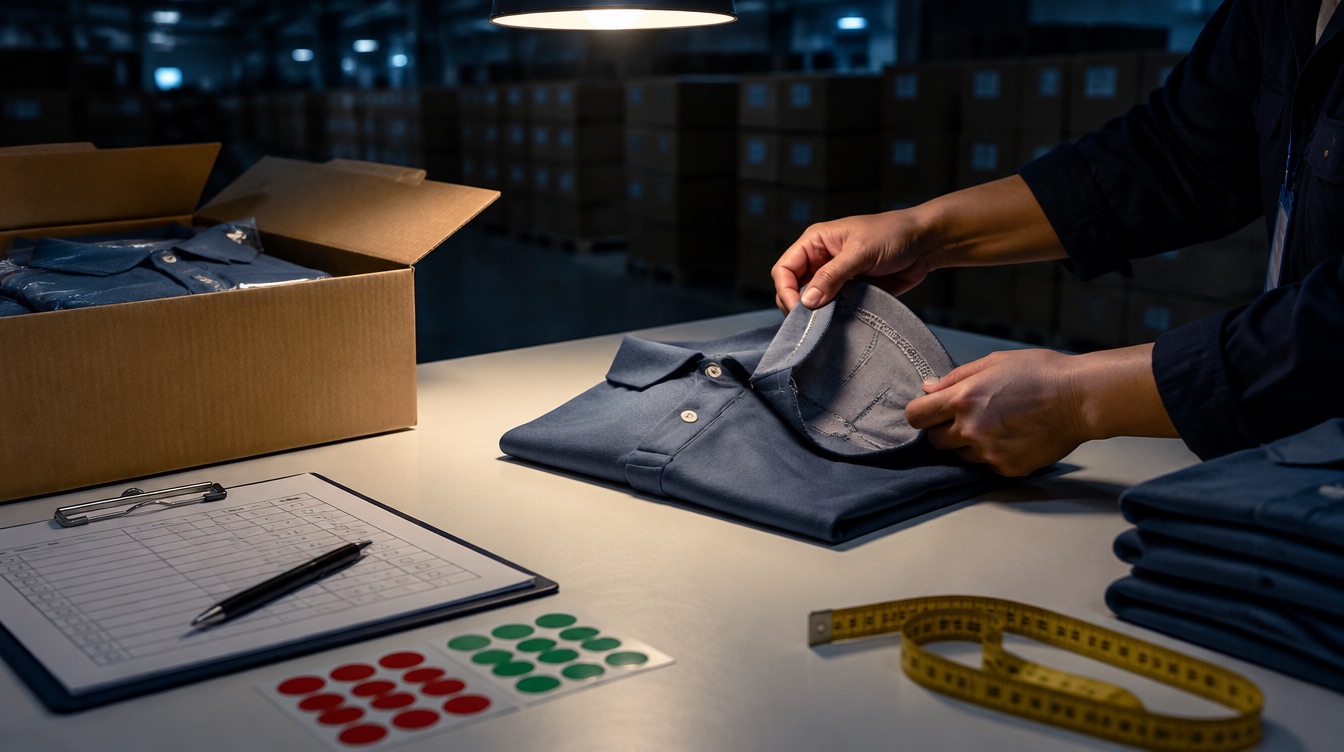

A tech pack is the document a factory uses to cost, sample and sew your garment without phoning you. If the factory has to ask what the fabric weighs, where the label goes or how much the chest grows between sizes, each missing answer turns into a guess on the factory's side, and you usually discover that guess when the sample lands on your desk. The tech pack was incomplete. This guide goes through what each page should contain, in the order factories read them, and ends with a checklist you can copy.
What a tech pack is for
Two people read your tech pack, and they need different things from it.
The merchandiser or costing team reads it first. They want fabric composition and weight, trims, print and embroidery sizes, and the number of operations, because the price is built from exactly those lines. Vague lines get a vague quote, which is why a tech pack and a good RFQ belong together. On a vague file, the cheapest quote usually comes from the factory that guessed lowest.
The pattern maker and the sewing line read it second. They want measurements, tolerances, seam types and stitch details, and when those are missing the factory falls back on its own house standard, which may or may not match your reference garment. The usual result is a first sample with a hood two centimetres too shallow or cuffs tighter than the garment you photographed. When a first sample misses, the cause is usually in the tech pack.
Plain spreadsheets and line drawings are fine. What matters is that every page uses the same style number, version and measurements.
The pages, in the order factories read them
1. Cover page
Style name and number, season, version number and date, your brand name and contact, and a front and back flat. Put the version number on every page. When a factory works from version 3 while you review version 5, half your comments will make no sense to them.
2. Technical flats
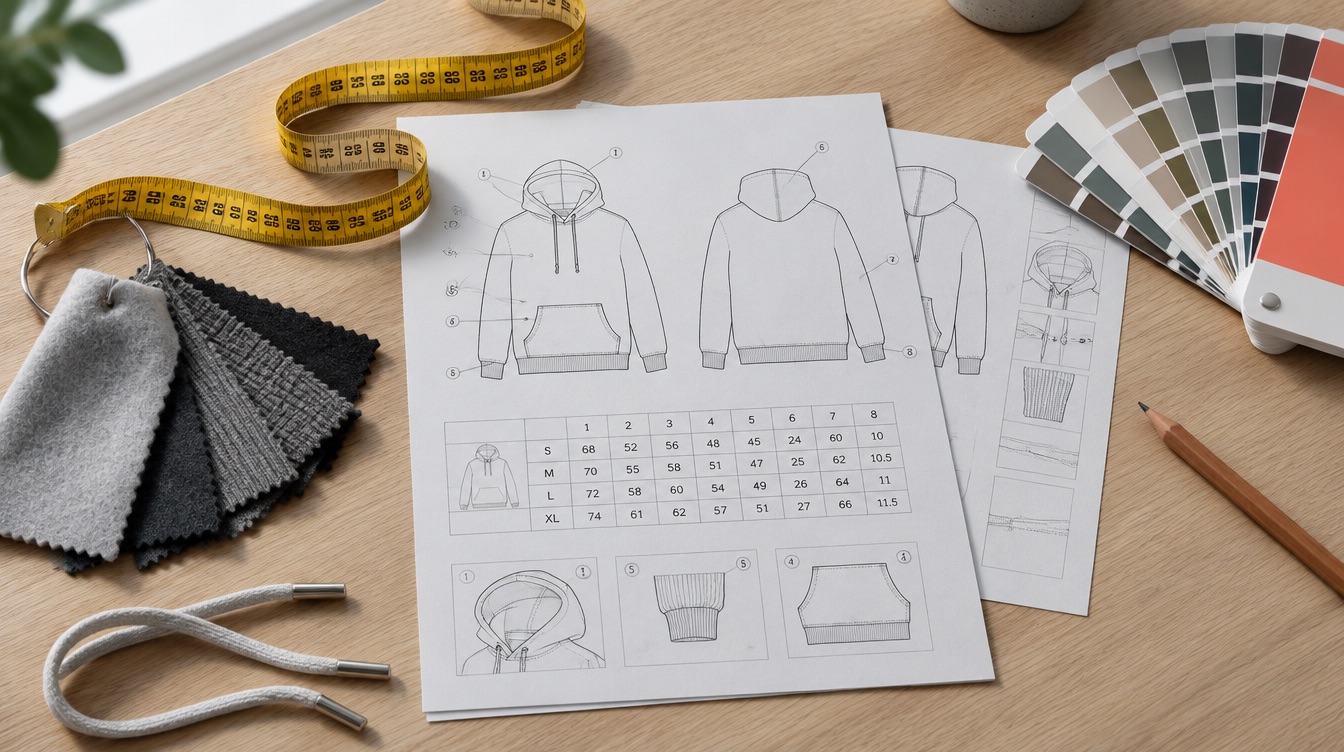
Black-and-white line drawings of the front, back and any detail views (inside of the hood, pocket bag, back neck tape). Unlike a fashion illustration, a flat shows seam lines, topstitching, panel splits and where each trim sits. Give every detail a numbered callout that matches the construction page.
Most brands draw flats in Adobe Illustrator. Tech pack tools such as Techpacker or Backbone have libraries of base flats you can edit, which is faster if you make many styles.
3. Bill of materials (BOM)
Every component, one line each:
| Component | Description | Supplier / reference | Colour | Placement | Qty per garment |
|---|---|---|---|---|---|
| Main fabric | 80% cotton / 20% polyester brushed fleece, 400 GSM | Factory to source | Pantone 19-4007 TCX | Body, sleeves, hood | as per marker |
| Rib | 1x1 rib, 95% cotton / 5% elastane, 320 GSM | Factory to source | Match main | Cuffs, hem | as per marker |
| Drawcord | 8 mm flat cotton cord, metal aglets | Factory to source | Self colour | Hood | 1 |
| Main label | Woven, 50 x 20 mm, end-fold | Brand supplies | Black / white | Centre back neck | 1 |
| Care label | Printed satin, EU care symbols | Factory | White | Left side seam, 8 cm above hem | 1 |
Two columns cause most of the trouble. The first is fabric weight, because "fleece" covers anything from 240 to 500 GSM and the price gap across that range is large. The second is "who supplies". If you send your own labels, say so, and say when they will arrive.
4. Measurement spec (points of measure)
A table of points of measure (POM) for your sample size, each with a code, a description of exactly how to measure it, the measurement, and a tolerance.
| Code | Point of measure | How to measure | M (cm) | Tolerance (+/-) |
|---|---|---|---|---|
| A | Chest width | 2 cm below armhole, edge to edge | 58 | 1.0 |
| B | Body length | HPS to hem edge | 72 | 1.0 |
| C | Sleeve length | Shoulder point to cuff edge | 64 | 1.0 |
| D | Hood height | HPS to top of hood | 36 | 0.5 |
| E | Cuff opening | Relaxed, edge to edge | 9 | 0.5 |
The "how to measure" column matters as much as the number. A chest measured at the armhole and a chest measured 2 cm below it can differ by a centimetre or more, and every factory has its own default. HPS means high point shoulder; define it once on the page.
Your QC inspection will check against these tolerances later, so set them now. See AQL inspection for garments for how that check works.
5. Grading
The size increments from your sample size to every other size. You can write the full graded spec (every POM for every size) or a grade rule (chest +4 cm per size, length +2 cm per size). A full graded spec leaves less room for interpretation. Include the size range and the size ratio for the order, because the ratio changes fabric consumption and therefore the price.
6. Construction details
Seam types (overlock, flatlock, coverstitch), stitches per inch or per 3 cm, seam allowances, topstitch widths, and how each opening is finished. Use the numbered callouts from your flats. If you want a specific detail copied from a reference garment, photograph it close up and say so.
7. Artwork and branding
Every print, embroidery, patch or heat transfer gets its own page: artwork file name, technique (screen print, DTG, DTF, embroidery, sublimation), size in centimetres, placement measured from a fixed point (e.g. "centred, 8 cm below centre front neck"), colours in Pantone, and for embroidery the approximate stitch count if you have it. Technique and size change the price more than most first-time brands expect.
8. Colourways
List each colourway with its fabric, trim, thread and print colours. If a colourway changes only the body colour, still list it, so the factory doesn't assume the drawcord changes too.
9. Labels, packaging and packing
Label positions, the hangtag and how it is attached, polybag type and warning text, folding method, units per polybag, units per carton, carton dimensions or maximum weight, carton marks, and barcode or size-sticker requirements. A factory that has to guess the packing will quote standard packing, and a change after production costs money.
10. Comments and revision log
Keep a dated log of every change between versions, and later the fit comments from each sample round. When you and the factory disagree about what was agreed, the log settles it.
Tech pack checklist
Copy this into your file and tick each line before sending:
- Style number and version on every page
- Front, back and detail flats with numbered callouts
- BOM with composition, GSM, colour reference and supplier for every component
- Points of measure with how-to-measure and tolerances
- Full graded spec or grade rules, plus size range and size ratio
- Seam and stitch types for every seam
- Artwork pages with technique, size, placement and Pantone colours
- All colourways listed
- Labels, packaging, folding and carton requirements
- Revision log started
- Reference photos for any detail that is hard to describe
Mistakes we see most often
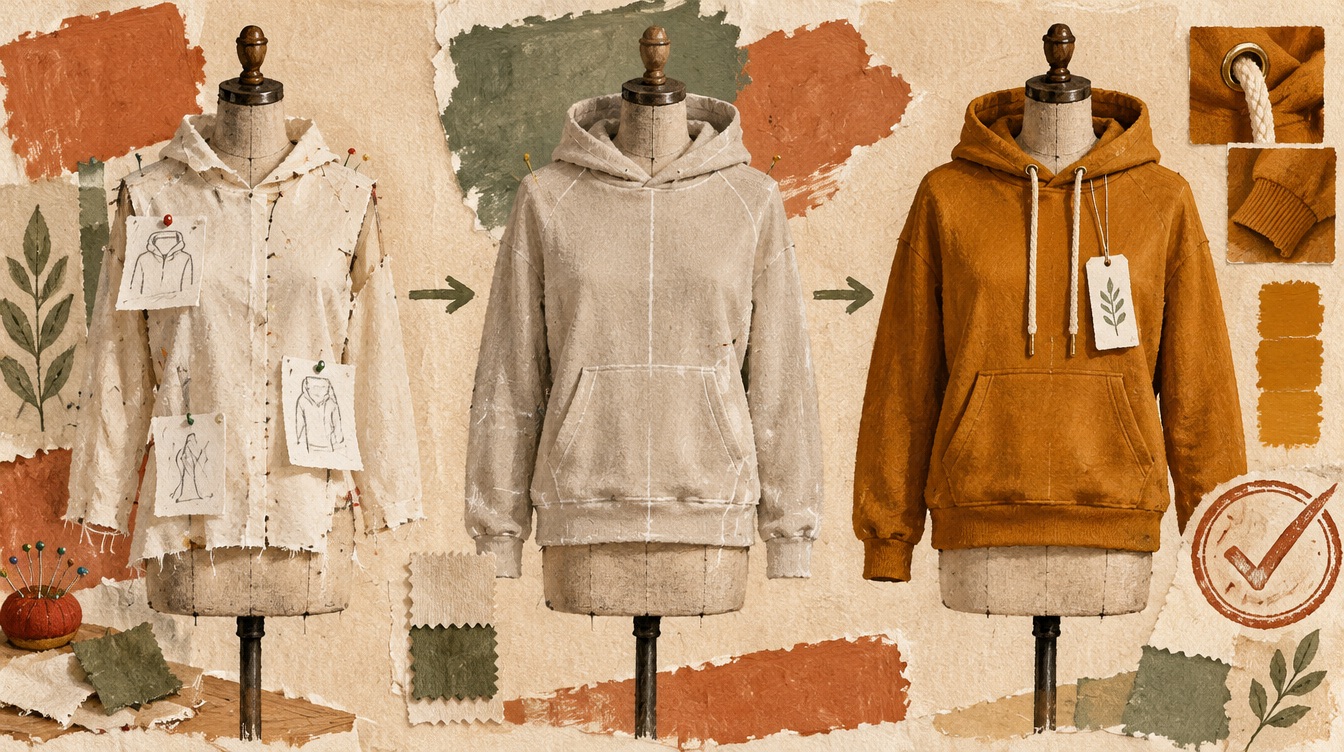
The most common one is a brand sending a mood board and calling it a tech pack. Inspiration images help a designer, but a factory can't put a price on a feeling. If all you have is a reference garment, post the garment itself with your changes written down, and ask the factory to measure it and send you a spec to approve.
Next come measurements with no measuring method. A missing method is still the usual reason a first sample "doesn't fit like the reference".
Writing "factory to suggest" in the fabric line is fine if you are open to options, as long as you add a weight range and a description of the hand feel, such as "heavy, structured, brushed inside". Without that, each factory quotes a different fabric and you can't compare the prices.
Finally, keep the version number honest during sampling. The factory sews from the file it has, so when something changes, re-send the whole file with a new version number. A WhatsApp message with one new measurement tends to get lost by the second sample, and it's always the one measurement you cared about most.
Do you need a tech pack for a small first order?
The big question for a first-time brand is whether ten pages are worth the effort before the first order is even placed. For a simple blank with a logo (a t-shirt, a basic hoodie), many factories will work from a reference garment, a fabric spec and your artwork. You will still get a better first sample with a one-page spec covering fabric, the five or six key measurements, branding placement and packing.
For anything with custom fit, panels, technical fabrics or several colourways, a full tech pack saves more than it costs, because every failed sample round adds two to four weeks and another sampling and courier bill. Skipping it is the expensive option.
Sending it to factories
Once the tech pack is done, the quickest way to test it is to send it to several factories at once and compare the questions they ask. If three factories ask the same question, that line in your tech pack needs fixing.
A good tech pack does for a garment what the shipping container did for freight: once every port handled the same standard box, any port could quote for any cargo, and shippers could finally compare prices line by line. On Lalaaji, you attach the tech pack to an RFQ and verified manufacturers quote against the same file, so you can compare the quotes directly. Before you pick one, check who you are dealing with. Here is how to tell a factory from a trading company.
Your questions answered
What is a tech pack in clothing manufacturing?
A tech pack is the technical specification for a garment: flats, bill of materials, measurements with tolerances, grading, construction details, artwork placement, colourways and packing. Factories use it to price, sample and produce the garment.
What should a tech pack include?
At minimum: technical flats, a bill of materials with fabric composition and GSM, points of measure with tolerances, grading for all sizes, seam and stitch details, artwork size and placement, colourways, and labelling and packing requirements.
Can a factory make a sample without a tech pack?
Yes, from a reference garment plus written changes. The factory measures the reference and makes a pattern from it. Expect more sample rounds than with a full tech pack, especially for custom fits.
What software do people use to make tech packs?
Adobe Illustrator for flats, with Excel or Google Sheets for the spec tables. Dedicated tools such as Techpacker and Backbone combine both and keep version history.